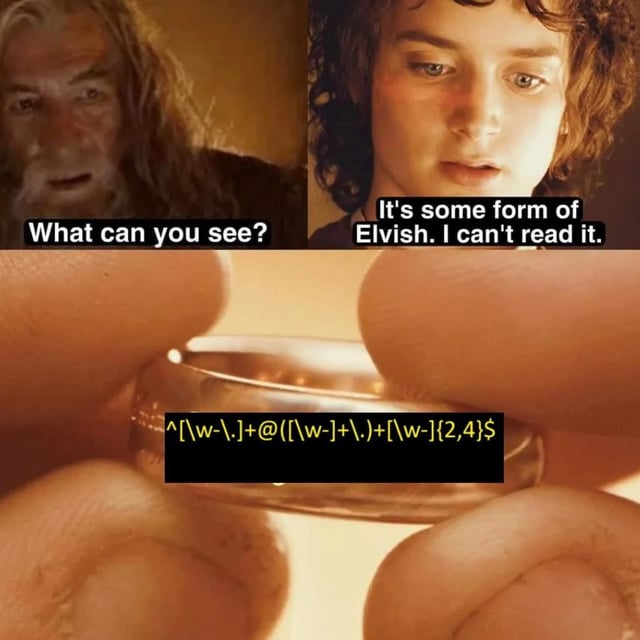
Regular Expressions, or Regex, can look like an intimidating string of random characters at first glance. However, once you understand how they work, they become one of the most powerful tools in a developer’s arsenal for searching, matching, and manipulating text.
In this tutorial, we will break down the essential concepts of Regex, making it easy to understand and apply in your everyday programming tasks.
Quick Start: The Power of Regex
Before we dive into the syntax, let’s see why Regex is so useful. Imagine you have a messy string and you need to extract all the prices.
// The Challenge: Extract all prices from this string
const receipt = "Apple: $1.50, Banana: $0.75, Dragonfruit: $12.00";

// The Solution: A simple Regex pattern
const priceRegex = /\$\d+\.\d{2}/g;
const prices = receipt.match(priceRegex);

console.log(prices); // ["$1.50", "$0.75", "$12.00"]
In just one line of code, we identified a complex pattern: a dollar sign, followed by digits, a dot, and exactly two more digits. That is the power of Regex.
What is a Regular Expression?
A Regular Expression (Regex or RegExp) is a sequence of characters that forms a search pattern. You can use this pattern to check if a string contains specific characters, extract portions of text, or replace substrings. Regex is supported in almost all modern programming languages, including Python, JavaScript, Java, C#, and Go.
1. Basic Matching
The simplest form of regex is a literal match. If you search for the word apple, the regex engine will look for exactly those characters in that precise order.
Pattern: apple
Matches: “I ate an apple.”
2. Metacharacters: The Magic Behind Regex
Metacharacters are symbols that have special meanings in Regex. They are what give regular expressions their power.
The Dot (.)
The dot matches any single character except a newline.
- Pattern:
c.t - Matches: “cat”, “cot”, “cut”, “c1t”
- Does not match: “cart”
Character Sets ([])
Matches any single character enclosed within the brackets.
- Pattern:
b[aeiou]t - Matches: “bat”, “bet”, “bit”, “bot”, “but”
You can also define ranges: [a-z] matches any lowercase letter, and [0-9] matches any digit.
Negated Character Sets ([^])
Adding a caret (^) inside the brackets matches any character not in the set.
- Pattern:
b[^a]t - Matches: “bot”, “bit”
- Does not match: “bat”
3. Shorthand Character Classes
To make regex more readable, there are built-in shorthands for common character sets.
\w: Matches any word character (Alphanumeric plus underscore). Equivalent to[a-zA-Z0-9_].\W: Matches any non-word character.\d: Matches any digit. Equivalent to[0-9].\D: Matches any non-digit character.\s: Matches any whitespace character (space, tab, newline).\S: Matches any non-whitespace character.
4. Quantifiers: Defining Occurrences
Quantifiers specify how many times a character or group should be matched.
*(Asterisk): Matches zero or more times.- Pattern:
ab*c - Matches: “ac”, “abc”, “abbc”, “abbbc”
- Pattern:
+(Plus): Matches one or more times.- Pattern:
ab+c - Matches: “abc”, “abbc” (Does not match “ac”)
- Pattern:
?(Question Mark): Matches zero or one time (makes the preceding character optional).- Pattern:
colou?r - Matches: “color”, “colour”
- Pattern:
{n,m}: Matches betweennandmtimes.- Pattern:
a{2,4} - Matches: “aa”, “aaa”, “aaaa”
- Pattern:
5. Anchors and Boundaries
Anchors do not match characters; instead, they match positions within the string.
^(Caret): Asserts the start of a line or string.- Pattern:
^Hellomatches “Hello World” but not “Say Hello”.
- Pattern:
$(Dollar): Asserts the end of a line or string.- Pattern:
World$matches “Hello World” but not “World Peace”.
- Pattern:
\b(Word Boundary): Asserts a position where a word character is not followed or preceded by another word character.- Pattern:
\bcat\bmatches “The cat slept” but not “The category”.
- Pattern:
6. Grouping and Alternation
Grouping (())
Parentheses let you treat multiple characters as a single unit or “group”.
- Pattern:
(abc)+ - Matches: “abc”, “abcabc”
Alternation (|)
The pipe acts as a boolean OR.
- Pattern:
cat|dog - Matches: “I have a cat” or “I have a dog”.
7. Real-World Practical Examples
Validating a basic email address
^[\w\.-]+@[a-zA-Z\d\.-]+\.[a-zA-Z]{2,}$^[\w\.-]+: Starts with one or more word characters, dots, or hyphens.@: Followed by the ‘@’ symbol.[a-zA-Z\d\.-]+: Followed by domain name characters.\.[a-zA-Z]{2,}$: Ends with a dot and a 2+ character Top-Level Domain (TLD).
Validating a US Phone Number
^\(?\d{3}\)?[-.\s]?\d{3}[-.\s]?\d{4}$Matches formats like: (123) 456-7890, 123-456-7890, 123.456.7890, or 1234567890.
8. Regex in Action (Code Examples)
Patterns are great, but here is how you actually use them in your code.
const emailRegex = /^[\w\.-]+@[a-zA-Z\d\.-]+\.[a-zA-Z]{2,}$/;
const testEmail = "hello.world@example.com";

// Testing if a string matches
if (emailRegex.test(testEmail)) {
  console.log("Valid Email!");
}

// Extracting data
const text = "Found 23 apples and 45 oranges";
const numbers = text.match(/\d+/g); // ['23', '45']
console.log(numbers);

// Replacing text
const hidden = text.replace(/\d+/g, "XX");
console.log(hidden); // "Found XX apples and XX oranges"